 Ecom Agent Lab
Guide · 9 November 2026 · Majid Ali Shabrani
Automate returns and exchanges for UK Shopify stores with n8n
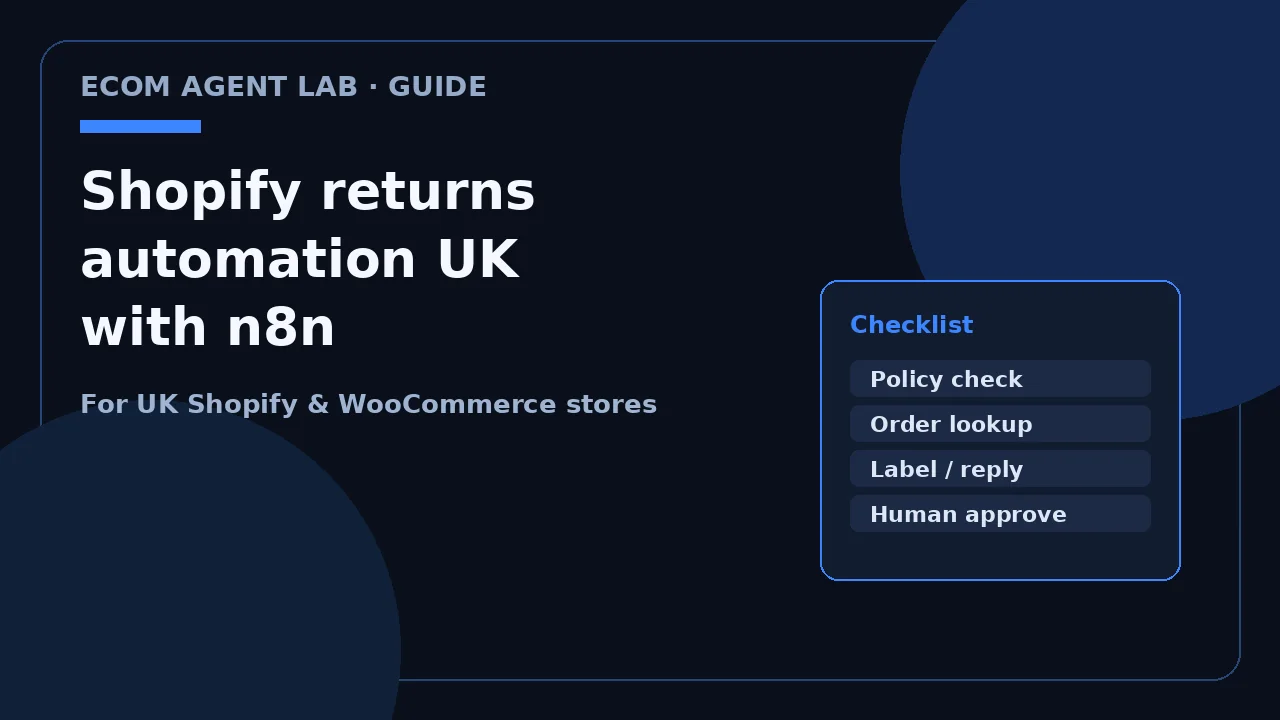
To automate returns for a UK Shopify store, let the customer start the request, check the order against your policy and the 14-day cooling-off rules, send a return label when it qualifies, and keep refund approval with a person.
Please note: this is general information for store owners, not legal advice. For the rules that apply to your products, check GOV.UK on accepting returns or ask a solicitor.
Why UK returns eat so much time
Returns tickets stack up for a simple reason: every one needs a policy check, a label, a status update and often a refund decision. On a quiet Tuesday that's fine. After Black Friday and through January gift returns, the same steps feel endless.
Labels aren't a one-click Shopify feature
UK merchants often say they can't buy return labels inside Shopify the way some US apps assume. Shop owners on forums talk about stitching Royal Mail Click & Drop, Parcel2Go or a self-serve returns app onto the store instead. Whatever you use, the workflow still has to decide whether a label should go out before anyone creates one.
January and post-Black Friday surge
Gift returns and "wrong size" messages spike after peak season. I covered the support questions that pile up in my Black Friday customer service checklist. This guide is the deeper how-to for the returns half of that list.
Two kinds of return (don't mix them up)
If your automation treats every return the same, you'll either refuse something you must accept or refund something you shouldn't without a look.
At a glance (distance sales): for most online orders the customer can cancel within 14 days of receiving the goods, then has 14 days to send them back, and you refund within 14 days of getting the item (or proof of posting). Refund the item plus standard delivery. Sources: GOV.UK accepting returns, GOV.UK distance selling, Consumer Contracts Regulations 2013, reg. 30, Citizens Advice.
Change of mind / cooling-off
Under the Consumer Contracts rules for distance selling, the normal cancellation period for goods ends 14 days after the customer (or someone they name) gets the goods. They don't need a reason. GOV.UK also says that if you never told them about the right to cancel, they can cancel any time in the next 12 months until you tell them, then they get 14 days from that notice. Citizens Advice puts the extended window as up to a year and 14 days when the required cancellation information wasn't given in writing.
Some items sit outside change-of-mind cooling-off: personalised or custom-made goods, perishables, unwrapped CDs/DVDs/software, and sealed hygiene items once opened. Those still need a path for faults.
Faulty, not as described, or doesn't work
That's a different branch. GOV.UK is clear you must offer a full refund when an item is faulty, not as described or doesn't do what it's supposed to. Photos, a human review and sometimes a repair or replacement step belong here. Don't let a cooling-off template auto-approve every "broken on arrival" claim without a look.
Store policy vs legal minimum
Your published policy can be more generous than the law. Many UK shops offer 30 days as goodwill. The returns request demo on the demos page uses a 30-day demo policy with sample data. Say in the bot and emails which window you're applying, and keep faulty cases on their own track.
What to automate vs what to keep human
| Step | Automate? |
|---|---|
| Collect order number, reason and photo | Yes |
| Check return window and product exclusions | Yes |
| Create return / RMA and send status | Yes or semi-auto |
| Generate and send a return label when rules pass | Yes or semi-auto |
| Approve refund or issue exchange | Human |
| Angry customer or high-value order | Human |
That split matches how I describe returns and refunds automation: the customer starts it, the checks run, and you approve the refund.
The n8n returns workflow (step by step)
Here's a practical shape you can build in n8n. Adjust the nodes to the apps you already pay for.
- Trigger. A WhatsApp or website chat message, a short return form, or a Shopify return request. A WhatsApp AI agent can collect the order number and reason before n8n takes over.
- Look up the order in Shopify Admin (line items, delivery date, tags, refund history).
- Policy checks. Delivery date vs your window; product tags (personalised? hygiene-sealed?); reason code (change of mind vs faulty). Fail closed: if a check is unclear, queue a person.
- Create the return record and message the customer with a reference and what happens next.
- Label. When the request qualifies, create a label in the tool your warehouse already uses, then send the link. Use your existing carrier process (for example Royal Mail Click & Drop if that's what you run). Don't invent a new carrier API in the workflow until that account is connected and tested.
- Notify the team in Sheets, Slack or email when a refund or exchange decision is needed.
- Log every outcome (approved path, refused with reason, waiting on photo, handed to human) so you can audit a complaint later.
Exchanges instead of refunds
Where your policy allows, offer a size or colour swap before a refund. The automation can show in-stock alternatives from the same product family and only open a refund task if the shopper declines. Keep the tone helpful, not pushy. I'm not going to invent revenue-lift numbers for this; the win is fewer refund tickets and a cleaner stock move.
App vs custom n8n build
| Returns app | Custom n8n flow | |
|---|---|---|
| Speed to launch | Usually faster for a standard portal | Slower first build, then easy to extend |
| UK label quirks | Depends on the app's carriers | You wire the tools you already use |
| WhatsApp as the front door | Often limited or add-on | Natural if you already run a WhatsApp agent |
| Custom policy branches | Config screens | Full control in the workflow |
Pick the path that matches how customers already contact you. If you want one backend for returns, order updates and cart replies, custom n8n under AI automation for e-commerce is usually cleaner.
See it working
Watch the returns request demo: a fictional store, sample data, simulated chat. The shopper reports a damaged candle, the agent asks for the order number and a photo, checks a 30-day demo policy, creates a return with a label link, and offers a person on the team. Refund approval stays with you.
For the tracking side of post-purchase messages (not returns), see where's my order automation. For how returns show up inside a broader WhatsApp agent, read WhatsApp AI agent for Shopify (UK).
Want this mapped to your policy and stack? Book a free 15-minute audit.
Frequently asked questions
Do UK online shoppers get 14 days to change their mind?
Yes for most distance sales. GOV.UK: they must tell you within 14 days of receiving the item, then have 14 days to send it back. Some items are excluded (personalised, perishable, opened hygiene-sealed goods).
What's the difference between a cooling-off return and a faulty-item return?
Cooling-off is change of mind under distance-selling rules. Faulty / not as described follows different consumer rights (repair, replace or refund). Your automation should ask the reason and branch.
Can n8n create a Royal Mail return label for Shopify?
n8n can call whatever label tool you already use (for example Royal Mail Click & Drop) after the return is approved. Exact steps depend on your carrier account and how that account is connected.
Should a chatbot approve refunds on its own?
No. Collect details, check the policy window, and hand refund / high-value / faulty decisions to a person. That matches the returns request demo on the demos page.
Does this replace a Shopify returns app?
Not always. An app is fine for a standard portal. A custom n8n flow fits when you want WhatsApp as the front door, custom UK policy rules, or one backend shared with order updates.

Majid Ali Shabrani is the founder of Ecom Agent Lab. He builds AI automation with n8n (order, inventory and lead workflows) and AI agents for WhatsApp and voice for e-commerce stores. More about Majid · LinkedIn