To automate COD order confirmation, trigger a WhatsApp message the moment a cash-on-delivery order is placed, ask the customer to Confirm, Change or Cancel with one tap, tag the order in your store based on the answer, and send only confirmed orders to the courier. Orders with no reply get a reminder, then a short AI voice call, before anyone decides whether to ship.
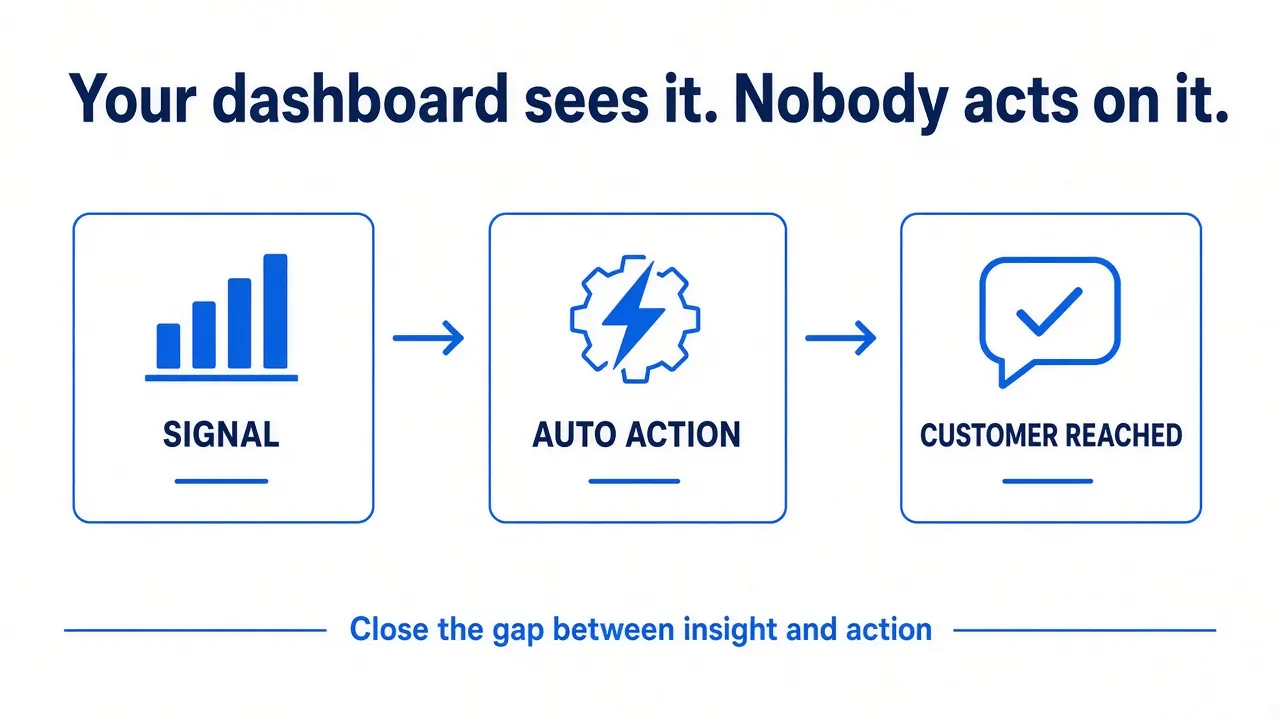
Why unconfirmed COD orders cost you money
Cash on delivery lowers the barrier to buying, which is why it's popular in markets like Pakistan and much of the Gulf. It also lowers the barrier to not paying. Every COD order that comes back costs you twice:
- Courier charges out and back, and in many cases a return fee
- Packing time and materials you won't get back
- Stock stuck in transit for days, unavailable to real buyers
- Damaged packaging or products on return
Many failed deliveries are predictable: an impulse order the buyer regrets an hour later, a wrong phone number, an incomplete address, a duplicate order, or a prank. A confirmation step catches these before you pay for the courier.
Plenty of stores already do this by hand, with someone calling every COD order. It works, but it's slow, it stops when that person is busy, and there's rarely a record of what was said. Automation does the same job in seconds and logs every answer.
What does an automated COD confirmation flow look like?
COD order confirmation
- New COD order: Shopify / WooCommerce
- Validate: phone + address
- WhatsApp confirmation: Confirm / Change / Cancel
- Customer reply: or no reply
- Outcomes: Confirm → dispatch, Change → AI updates, Cancel → restock, No reply → AI call
How to build it, step by step
1. Detect COD orders
In Shopify, an order-created webhook fires for every new order; the workflow checks whether the payment method is cash on delivery. In WooCommerce, the built-in COD payment method has the ID cod, so the same filter works. Prepaid orders skip the whole flow.
2. Validate before you message
Check the phone number is complete and in international format, and that the address has the basics (area, city, street or building). Orders that fail go straight to a "needs manual check" list instead of into an automated message that will never arrive.
3. Send the confirmation on WhatsApp
Use a Meta-approved template with quick-reply buttons. Order confirmations are transactional, so they are usually a utility template rather than marketing. Keep the message short: product, total to pay on delivery, delivery address, and three buttons.
Example: "Hi Ahmed, thanks for your order #1001: Wireless Earbuds Pro. Total to pay on delivery: 49.99. Deliver to: House 12, Block B, Karachi. Is this correct? [Confirm] [Change address] [Cancel]"
4. Act on the reply automatically
- Confirm: tag the order
cod-confirmedso your team or fulfilment app only picks confirmed orders. - Change address: an AI agent asks for the corrected address (or a location pin), updates the order or passes it to your team, and confirms back.
- Cancel: tag or cancel the order and put the stock back, before anything is packed.
- A question instead of a button: the AI answers it from your store data ("when will it arrive?") and asks for confirmation again.
5. Follow up when there's no reply
Some customers don't check WhatsApp, or prefer to talk. After a set time, send one reminder. Still nothing? An AI voice agent can call, confirm the order and amount, and log the answer. In my Sara demo, the agent confirms to the caller exactly how much to pay the rider. Keep calls within reasonable local hours.
6. Log every outcome
Each order gets a row: confirmed, changed, cancelled, no reply, invalid number, called. Over a few weeks this shows you exactly where COD orders fail, and which cities, products or ad campaigns bring the risky ones.
Rules that keep it effective (and polite)
- Send immediately. The best time to confirm is while the customer still has your store open.
- Use the customer's language. English, Urdu, Roman Urdu or Arabic, whatever your buyers use. Test the wording.
- Two nudges at most before a person decides, or the order is held.
- Keep a human route. "Reply HELP to talk to us" should reach a person.
- Don't punish silence automatically. Decide your own policy for unconfirmed orders (hold, call again, or ship) based on your data.
How to know if it's reducing returns
Before switching it on, write down your current numbers for a few weeks: COD orders shipped, returned to origin, and cancelled. After launch, track the same numbers plus the confirmation log. The difference between orders cancelled before shipping and those that used to come back after is the saving. I won't promise a percentage, because it depends on your products, markets and couriers. Your own before-and-after numbers are the honest answer.
Frequently asked questions
Does COD confirmation really reduce returns?
It removes orders that were likely to fail before they ship: cancellations, wrong numbers, wrong addresses and duplicates. How much it reduces returns depends on your store, so measure your return-to-origin numbers before and after launch.
Is WhatsApp or a phone call better for COD confirmation?
Start with WhatsApp: it's fast, cheap and leaves a written record. Add an AI voice call for customers who don't reply, or for high-value orders where you want extra certainty.
Can the customer fix their address in the same chat?
Yes. When they tap Change address, the AI agent asks for the corrected details or a location pin, updates the order or forwards it to your team, and confirms back to the customer.
Does this work with WooCommerce?
Yes. WooCommerce's built-in cash on delivery method can be detected by the workflow, and orders can be updated with notes or statuses after the customer replies. Shopify uses tags the same way.
What if the customer never replies?
After a reminder and an optional AI call, the order goes to a list for your team to decide. Some stores hold these orders, some call once more, some ship them anyway. The log shows which approach works for you.

Majid Ali is the founder of Ecom Agent Lab. He builds WhatsApp AI automation, AI voice agents and n8n workflows for e-commerce stores. More about Majid · LinkedIn