Automate operations
n8n automation for Shopify and e-commerce workflows
n8n is the engine behind every agent I build. I design Shopify and WooCommerce workflows for order and inventory alerts, reporting and integrations, so the right action happens at the right moment, with checks built in so they keep working.
Low-stock alertn8n · 09:30
- Linen Shirt (M)3 left
- Canvas Tote, sand2 left
Threshold 5 · one alert per item per day
Daily sales summaryn8n · 21:00
- Orders today38
- COD awaiting confirmation4
Illustration · sample data
What is n8n and why use it for store automation?
n8n is a workflow automation tool that connects apps like Shopify, WooCommerce, WhatsApp, Google Sheets and OpenAI with visual, step-by-step workflows. It supports AI agents, custom code and error handling, and it can run in the cloud or on your own server, so your automations aren't locked to one vendor.
What does an n8n automation expert actually do for a store?
I turn a recurring task or missed signal into a reliable workflow: map the trigger, the data it needs, the decision and the action, then add validation, duplicate checks, logging and alerts. You get a workflow your team can understand, with docs, not a fragile chain of steps.
Use cases
Shopify and WooCommerce n8n workflows I build
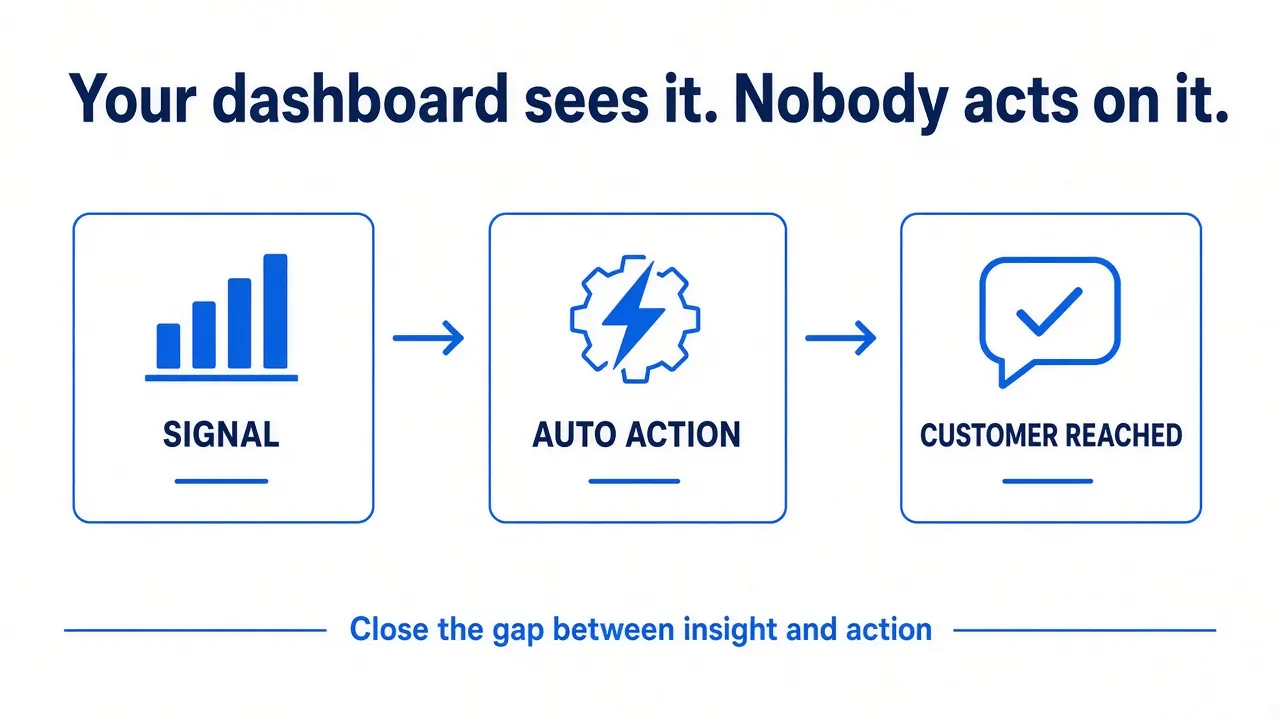
Signal → action. Each of these starts from something that already happens in your store.
New-order and order-issue alerts
New order, failed payment or a stuck order → a short alert to the right person on WhatsApp, email or Telegram.
Low-stock alerts
Scheduled stock check → items at or below threshold → one alert per item per day.
Daily and weekly reports
Orders, COD awaiting confirmation and top products, summarised in plain language every evening.
Order and call logging
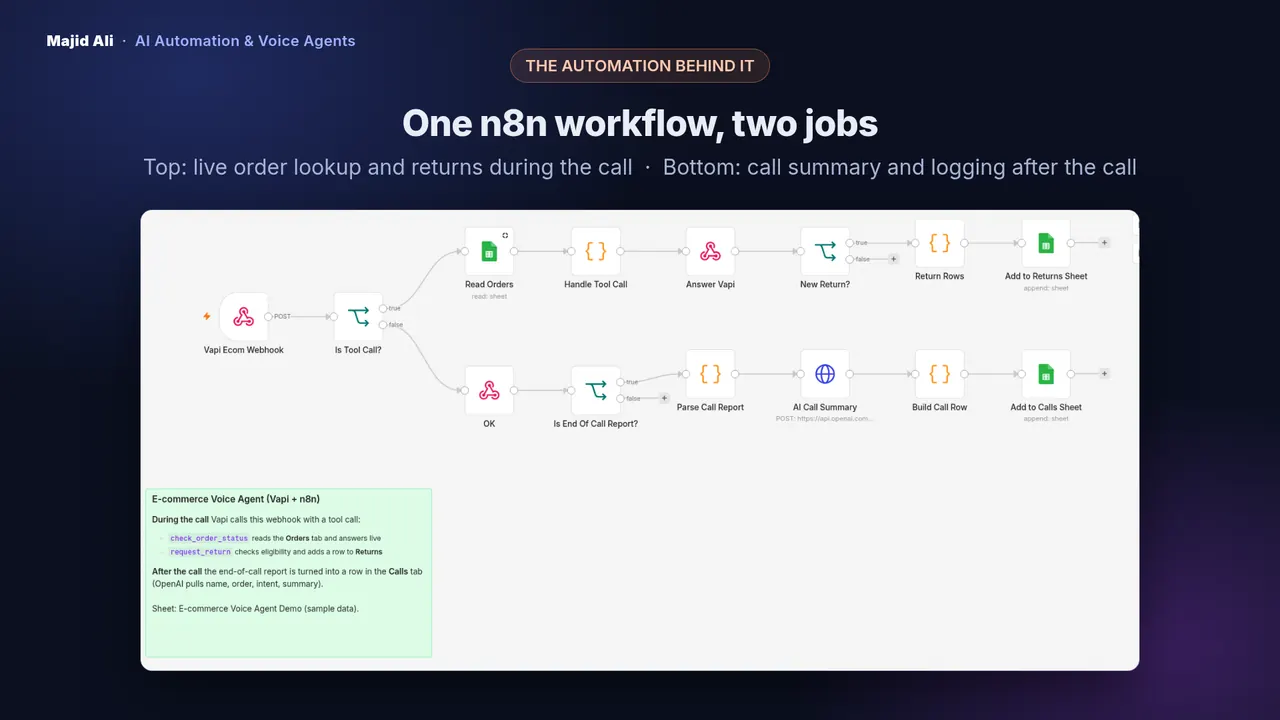
Every call, chat or order event saved to Google Sheets or your CRM with an AI summary.
Integrations and sync
Shopify or WooCommerce ↔ Google Sheets, Supabase, your CRM or courier sheet, without copy-paste.
Cart, COD and win-back
The backend for the WhatsApp automations: reminders, confirmations and win-back.
Workflow diagrams
What do these workflows look like?
Two operations workflows, drawn the way they're built in n8n.
Low-stock alert workflow
- Every 30 minutes: schedule
- Read inventory: Google Sheets or Shopify
- Stock ≤ threshold?: skip if alerted today
- AI writes alert: Gemini or OpenAI
- Alert the team: WhatsApp, email or Telegram
- Log it: one row per alert
Daily sales report workflow
- Every day at 21:00: schedule
- Fetch today's orders: Shopify / WooCommerce
- Summarise: totals, COD, top items
- AI writes summary: plain language
- Send to the team: WhatsApp, email or Telegram
- Save history: one row per day
How I make n8n workflows reliable
A workflow that works in a demo isn't the same as one that works every day for months. These are built in from the start, not added later:
- Input checks. Phone numbers, order IDs and emails are validated before anything is sent.
- Duplicate prevention. The same customer doesn't get the same message twice, for example one stock alert per item per day, or one recovery message per missed call per hour.
- Every outcome logged. Sent, invalid, skipped as duplicate, or failed: each run leaves a row you can check.
- Error alerts. If a step fails, you get an alert naming the step, instead of silence.
- Docs at handover. A plain-language guide to what each workflow does and how to change it.
You can see these patterns in my missed-call recovery system and low-stock alert agent.
Pricing: custom quote after the free audit, based on the workflows you choose. n8n hosting and any API usage are billed to your own accounts.
Before and after
What changes when operations run on workflows?
Without automation
- Someone checks stock and orders by hand, when they have time
- Data is copied between the store, sheets and chat apps
- Failures go unnoticed until a customer complains
With n8n workflows
- Alerts arrive the moment a threshold or event happens
- Tools stay in sync automatically, with one source of truth
- Every run is logged and failures trigger an alert naming the step
Frequently asked questions
Do I need n8n Cloud or can it be self-hosted?
Either works. n8n Cloud is the simplest: no server to maintain. Self-hosting suits stores that already run their own servers. The workflows are built in your account either way, so you keep them if we stop working together.
Why n8n instead of Zapier or Make?
n8n handles branching logic, AI agents, code steps and error handling well, and it can be self-hosted. It's the tool I know best and build every agent with. If your team already relies on Make, we can talk about it in the audit.
What happens if a workflow fails?
You hear about it. I add error alerts that tell you which step failed and why, and every outcome is logged, so a failed message or lookup never disappears silently.
Can you fix or extend a workflow someone else built?
Often, yes. Share the workflow export or give me access in the audit, and I'll tell you honestly whether it's worth fixing or cleaner to rebuild.
Related pages
Book a free 15-minute automation audit
Tell me how your store sells and supports customers today. In 15 minutes we find the 2–3 workflows worth automating first. No pitch deck, no obligation.
Prefer to hear an AI agent first? Call the live AI receptionist demo: +1 (930) 216‑3103 (it's an AI agent, not a person).